One place for your clients to work with their firm.
Your clients handle documents, signatures, proposals, messages, invoices and the status of their return in one place, under your firm's name. Every one of them lands on the client's record on your side, and the waiting stops.
Your clients feel the gap between your systems from the other side.
They send a document to one place and a question to another, then wait. They don't know whether the 8879 went through, or which of three emails is the one that still needs an answer.
The portal is the client half of what we're building toward. Your firm sees the whole picture by morning. Your clients get one door, and what they do behind it shows up on your list with a name already on it.
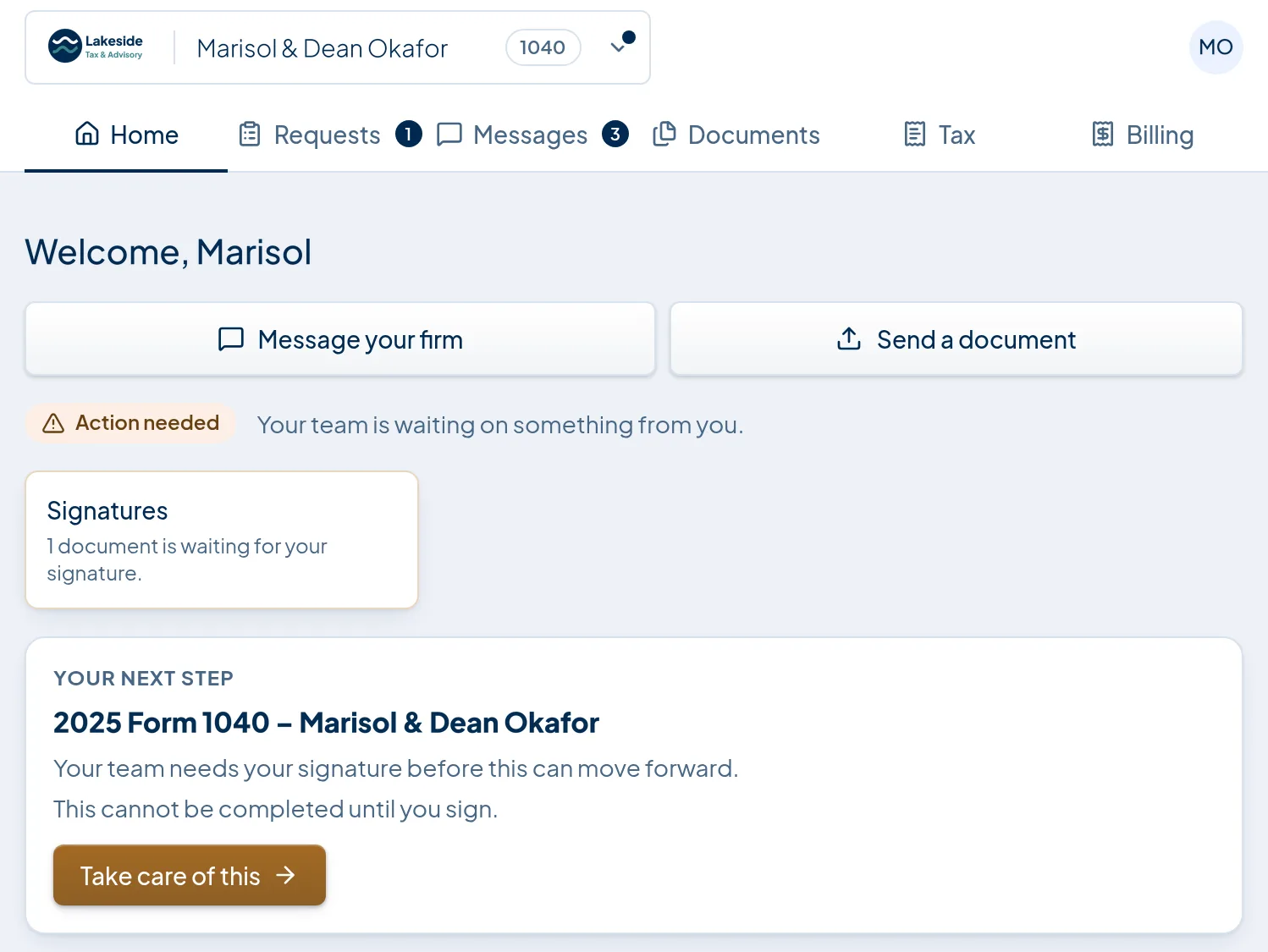
What your clients do there
Eight things, none of them by email.
Sign in without a password
Your firm invites them. They get a sign-in link by email, or use Face ID, Touch ID, Windows Hello or a security key. One sign-in covers every account they belong to, their own return and the company's, with a switch between them. A new device triggers an email, and viewing a tax ID or downloading something sensitive asks them to prove it's them again.
Send you what you asked for
Each request from your firm shows up as its own item. They upload from a laptop or snap several pages with a phone camera, and the file lands on the request it answers. If an IRS or state notice arrives, they log it from the same place.
Sign what you send them
Clients sign engagement letters, Form 8879, Form 8821, the §7216 consent and proposals inside 360 Centric. They give consent, type their name once, and stamp it in each field. Several signers can sign the same document, together or in order.
Prove who they are for a remote 8879
They take a live photo of their ID and a selfie on the spot, and Didit matches the two. There are no knowledge quizzes about old addresses. After three failed attempts the form goes to paper, and your staff can grant an exception.
Accept a proposal and start
They choose the package tier you offered and sign. The signed proposal creates the engagement and its billing setup on your side, with nobody re-keying anything.
See where their return stands
They see a plain-English timeline of their return, what's coming up, their extension status and estimated payments with the vouchers you provide. They review the finished return and approve it or ask for changes. The final package is released once the return is filed and accepted.
Message your firm
They message your firm from one inbox, with attachments and email alerts. If they reply to a request email instead, the reply lands on the request anyway. Either way, the whole team sees it on the client's record.
See and download their invoices
Payments coming soonInvoices your firm issues from 360 Centric show up with a PDF to download. Paying them online is built and switched off until payment processing is live. The Pay button appears the day it is.
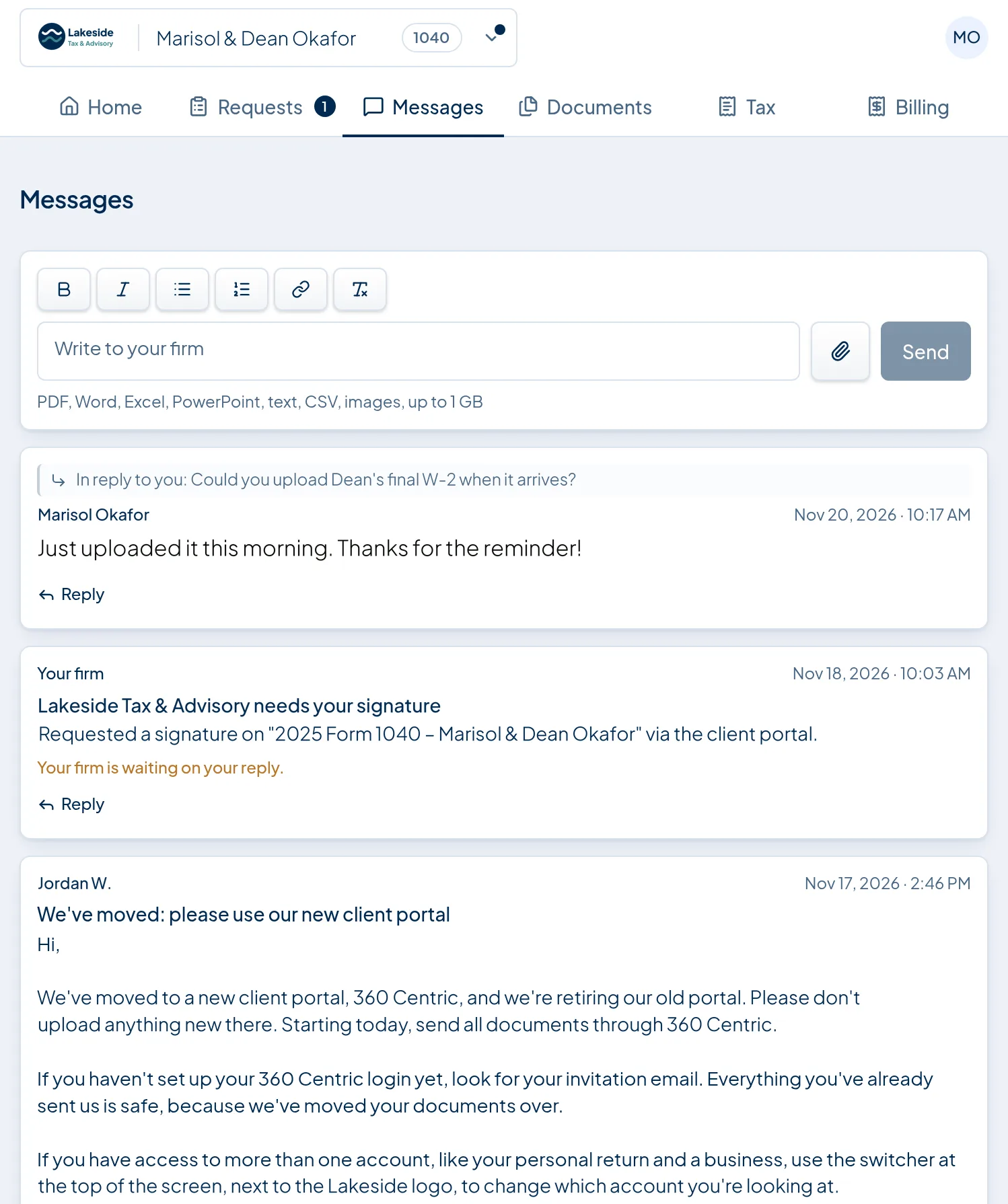
“So far, I'm loving this new platform! Mostly because I can flip back and forth between my individual filing work and the company filings.”
Under your firm's name.
Your clients sign in at your firm's own address on 360centric.com, see your logo and your colour in the header, and get sign-in emails that carry your name. A small "Powered by 360 Centric" sits in the footer.
It works on a phone, with a tab bar along the bottom the way an app has. Two things it doesn't do yet: run on a domain you own, or install as a native app.
What lands on your side
- An upload
- updates the request it answers and clears the open item.
- A signature
- closes the signature request and files the signed copy on the client.
- A signed proposal
- creates the engagement, the work and the billing setup.
- A message
- lands on the client record as a step with a name on it.
- A change to their details
- arrives as a request your staff review before it's applied.
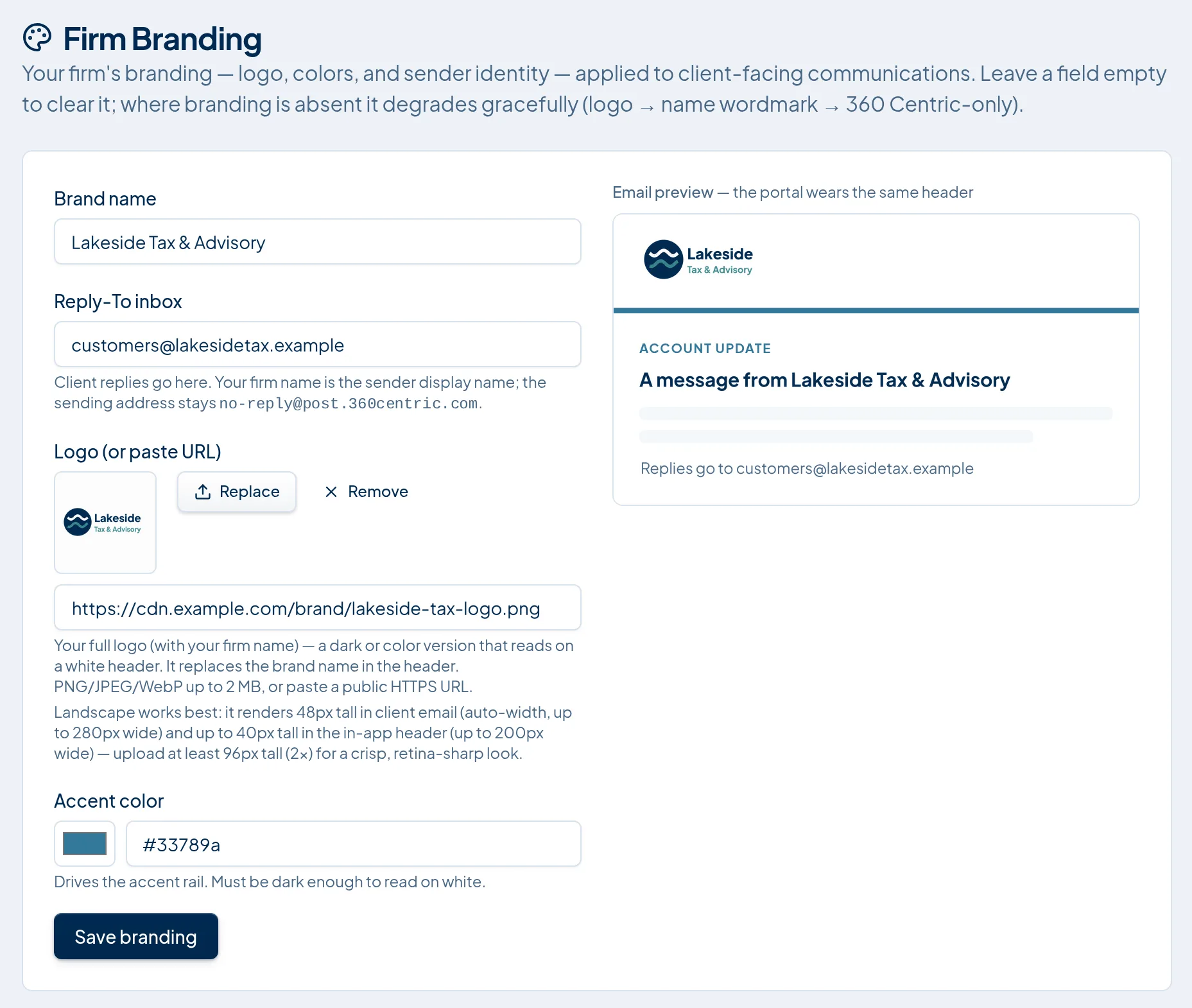
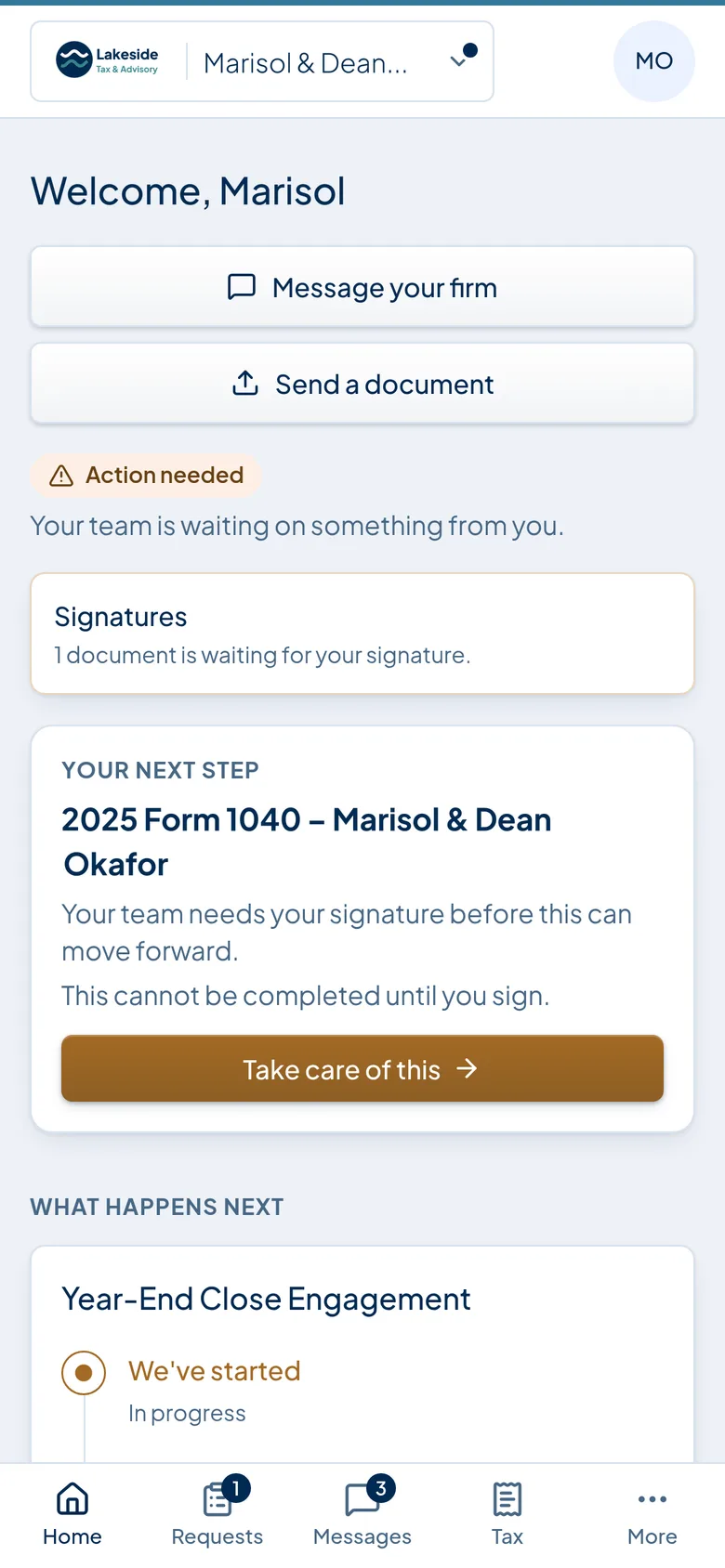
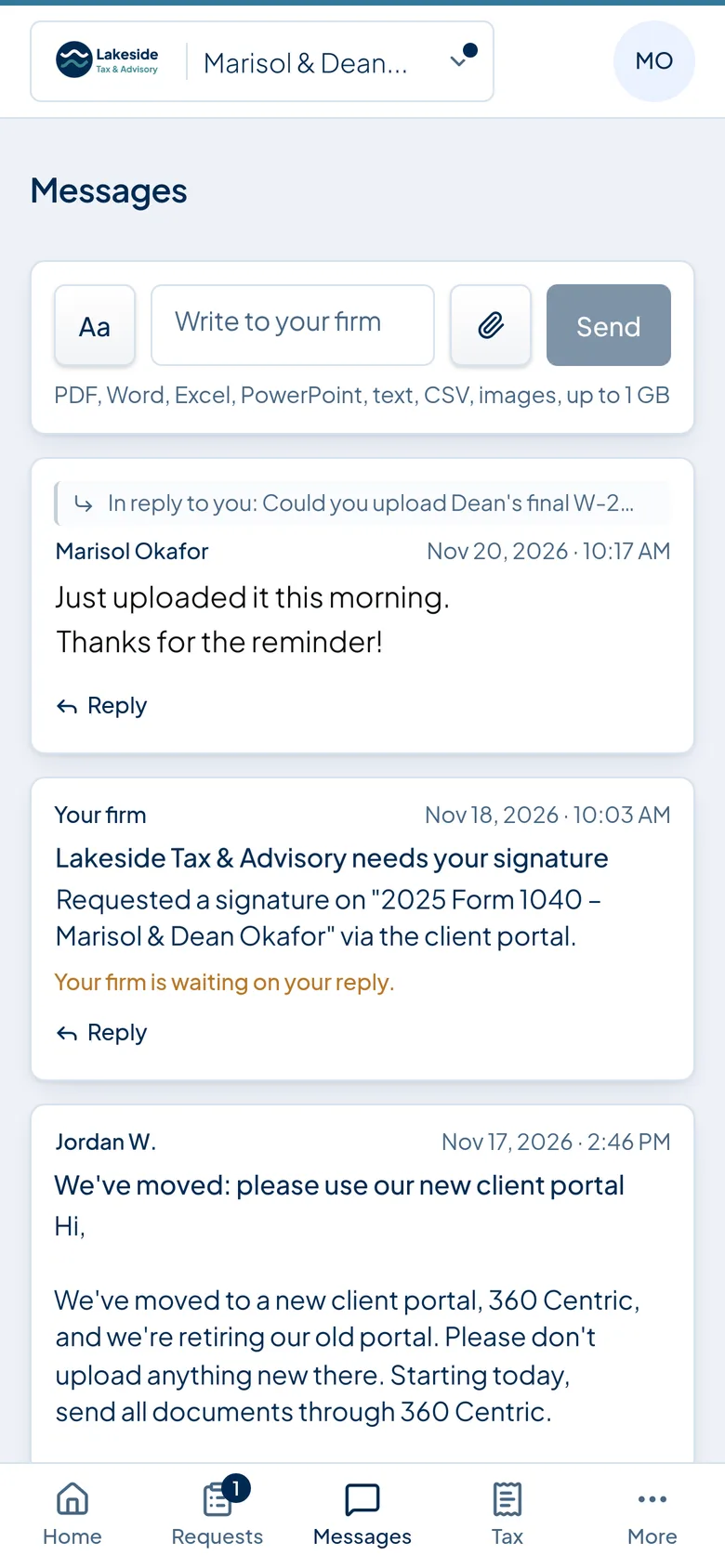
Home and Messages work on a phone, in the browser, with nothing to install.
Keeping it safe
Built for the documents a client would never email.
There is no password to phish. Sign-in is a link to their inbox or a passkey on their device, and a new device earns them an email. Before a tax ID is revealed or a sensitive file downloaded, they prove it's them again.
When a document they gave you reaches the end of its retention period, they get a download-by date and a read-only view before anything is disposed of, and your firm approves the disposal. The full account of what protects their data is on the security page.
See the portal from your client's side.
In the demo we open a client's view beside your firm's view, so you can watch an upload land on your list with a name on it.